When it comes to getting things done efficiently at home, the right tools can make all the difference. One of the most versatile tools you have at your disposal is Microsoft Word. With its various features, you can access different types of templates in MS Word that can help you organize your life, If you are planning a family event, keeping track of expenses, or creating fun activities for your kids. Let’s explore how you can choose, download, print, set up, and use these templates effectively.
Understanding the Basics of MS Word Templates
MS Word templates are pre-formatted documents that you can customize to meet your specific needs. They save you time by eliminating the need to start from scratch. Instead of worrying about formatting or layout, you can focus on the content you want to include.
Types of Templates Available
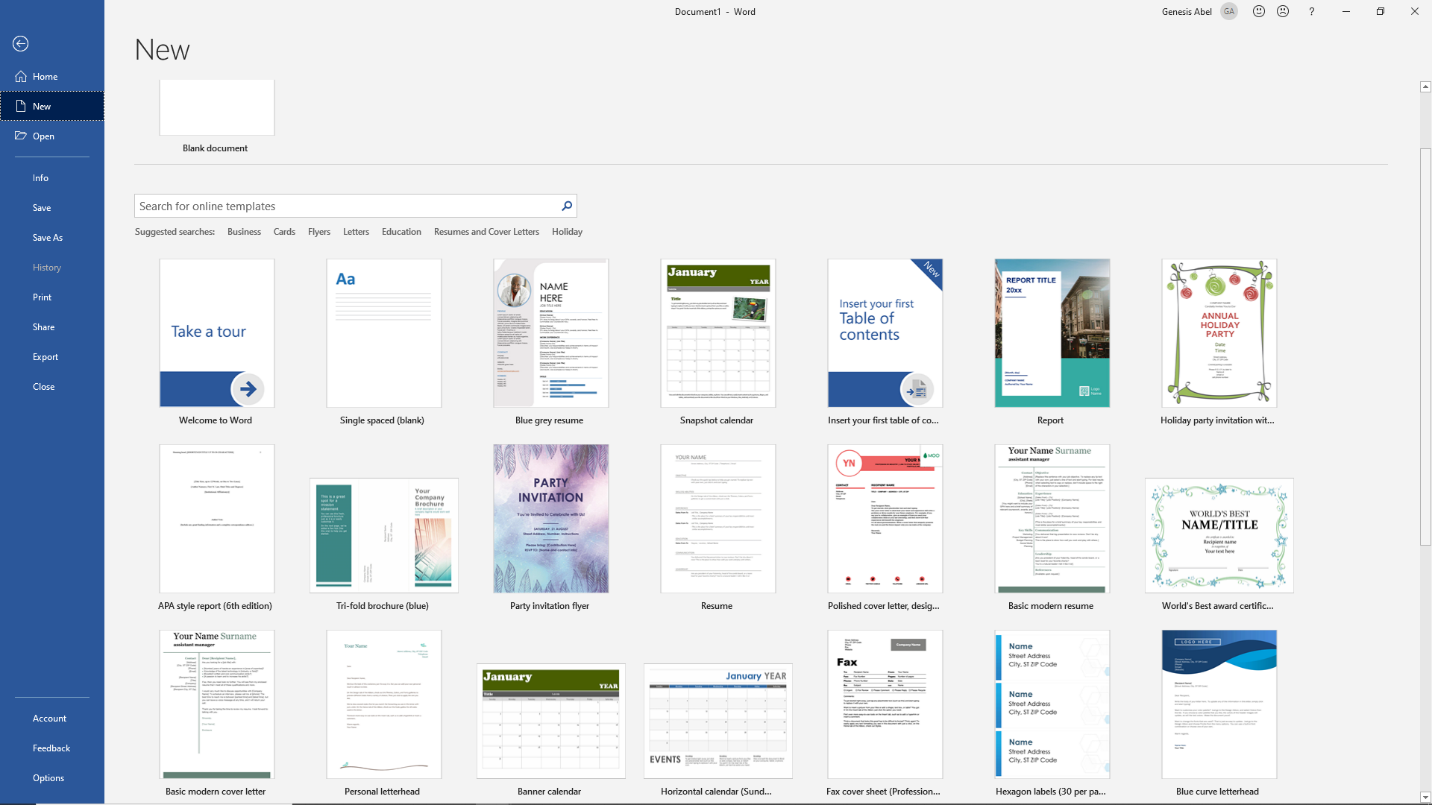
- Calendars: Perfect for scheduling family activities, school events, or even meal planning. You can find monthly, weekly, or yearly formats to help you stay organized.
- Planners: Whether it’s a daily planner or a project planner, these templates can help you set goals and track your progress.
- Worksheets: Great for educational purposes, worksheets can help children practice math, reading, and other subjects at home.
- Forms: Useful for gathering information, such as feedback forms or registration forms for events.
- Coloring Pages: Fun for kids, these templates can provide hours of entertainment and creativity.
- Cards: From birthday cards to thank-you notes, templates can make card creation easy and personal.
Choosing the Right Template
Now that you know the types of templates available, the next step is selecting the one that best fits your needs. Think about what you want to accomplish. Do you need a calendar to manage your family’s schedule, or are you looking for a fun coloring page to keep your kids engaged?
Finding Templates in MS Word
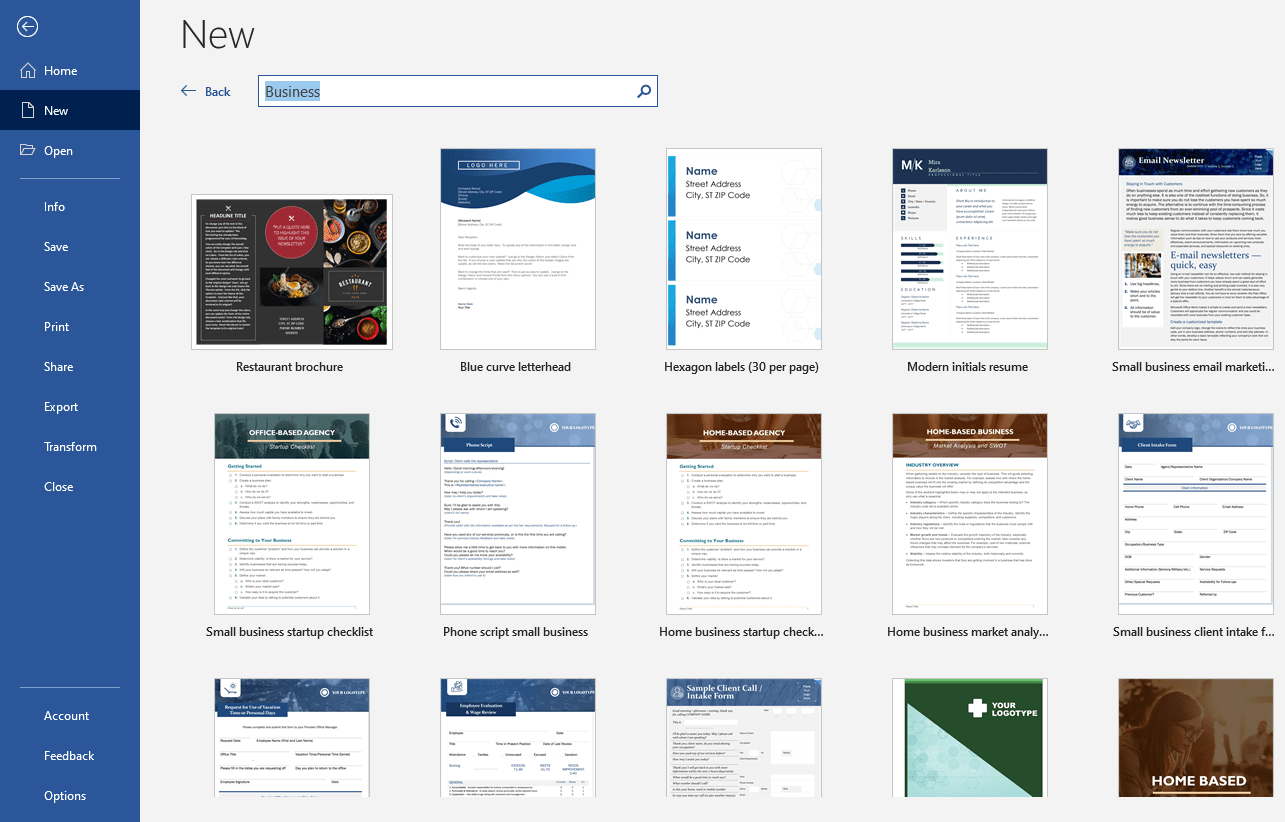
To find templates in Microsoft Word, follow these simple steps:
- Open MS Word.
- Click on “File” and then “New.”
- In the template search box, type in what you’re looking for, like “calendar” or “planner.”
- A variety of templates will appear. You can scroll through the options and choose one that appeals to you.
Downloading and Printing Your Template
Once you’ve chosen your template, it’s time to download and print it. Here’s how to do it:
- Click on the template you want to use.
- Select “Create” to open the template in a new document.
- Customize the template by adding your information, dates, or personal touches.
- Before printing, check your print settings. Make sure the layout fits your printer’s capabilities. For most home printers, portrait layout works best.
- Choose “Print” from the “File” menu and select your desired paper size. If you’re using cardstock for durability, ensure your printer can handle that thickness.
Setting Up and Using Your Template
After printing, it’s time to set up your template for practical use. Here’s how:
Organizing Your Calendar or Planner
For calendars or planners, consider creating a dedicated space to hang or display them. A bulletin board or a fridge magnet can keep them visible for the whole family.
Utilizing Worksheets With Kids
When it comes to worksheets, engage your children by turning them into a fun activity. Set a time for them to complete their worksheets, and consider rewarding them with a small treat for finishing. This can also be a great opportunity to sit with them, offering guidance and support as they learn.
Making Forms Effective
If you are using forms, ensure they are easily accessible. For instance, if you are gathering feedback for a family event, distribute the forms during the event or send them digitally afterward. Collecting responses in one place will help you stay organized.
Tips for Customizing Templates
One of the best features of MS Word templates is that they can be easily customized. Here are a few tips to make the most out of your templates:
- Change Colors and Fonts: Customize the look by adjusting colors and fonts to match your style or the theme of an event.
- Add Images: Personalize your templates by inserting images or graphics, especially for cards or invitations.
- Adjust Layouts: Don’t hesitate to modify layouts to better suit your needs. For example, if a calendar has too many boxes for your liking, you can reduce them to make it less cluttered.
Benefits of Using MS Word Templates
Using MS Word templates can significantly enhance your planning and organizing efforts at home. Here are some benefits:
- Saves Time: Templates streamline the process of creating documents, allowing you to focus on content rather than design.
- User-Friendly: Even those with minimal computer skills can easily navigate and customize templates.
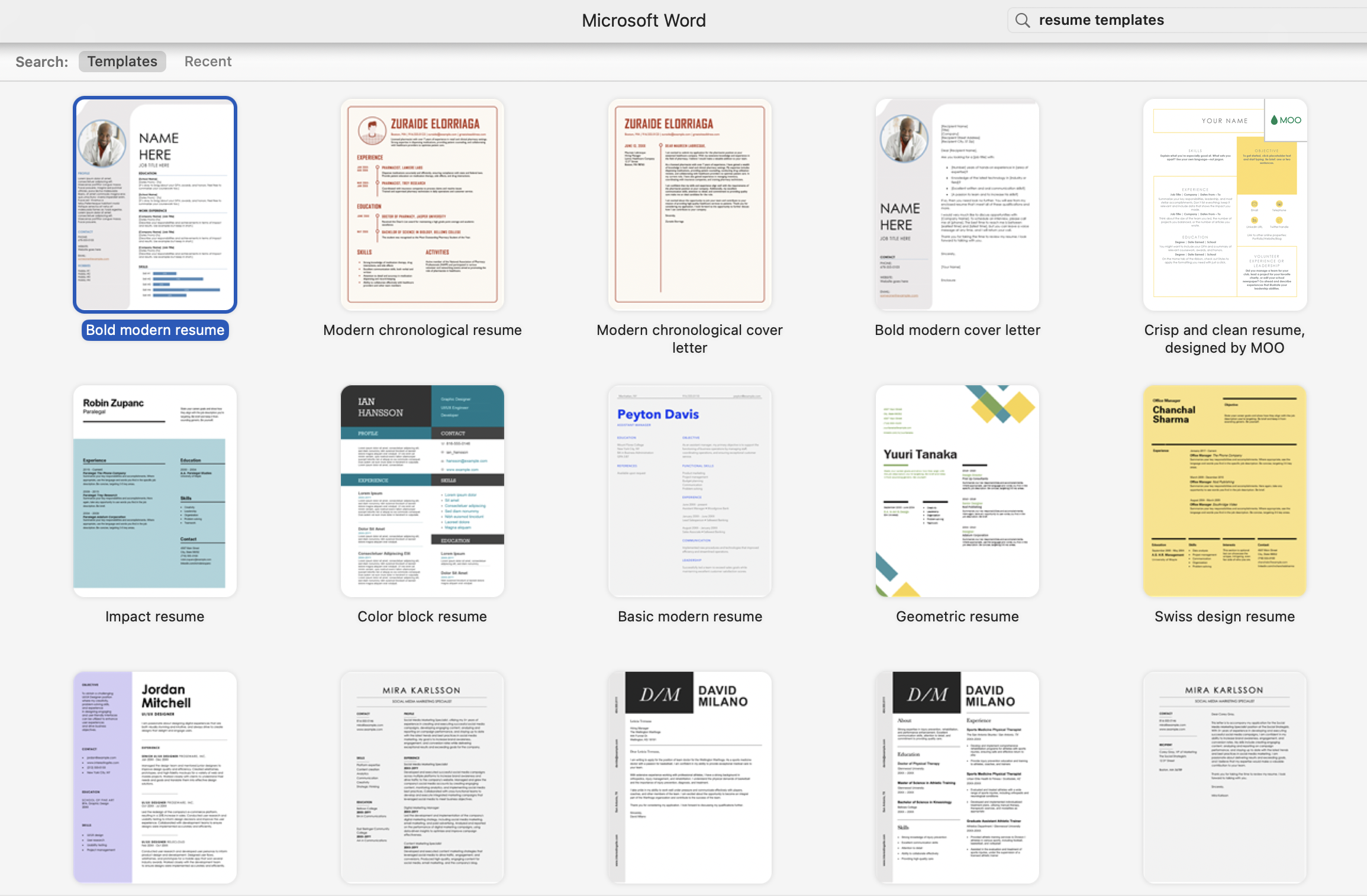
- Versatile: With a wide range of templates available, you can find something for almost any task — from meal planning to party invitations.