When the weekend rolls around, it’s not uncommon to find yourself sitting at the kitchen table, a stack of supplies in front of you, and a few ideas buzzing around your head. You’re thinking about that birthday party next week, the thank-you notes you’ve been meaning to write, or perhaps even a get-well-soon card for a friend. This is where a Template For A Card Printable can really come in handy. It’s the perfect way to add a personal touch to your greetings without spending a fortune on store-bought options.
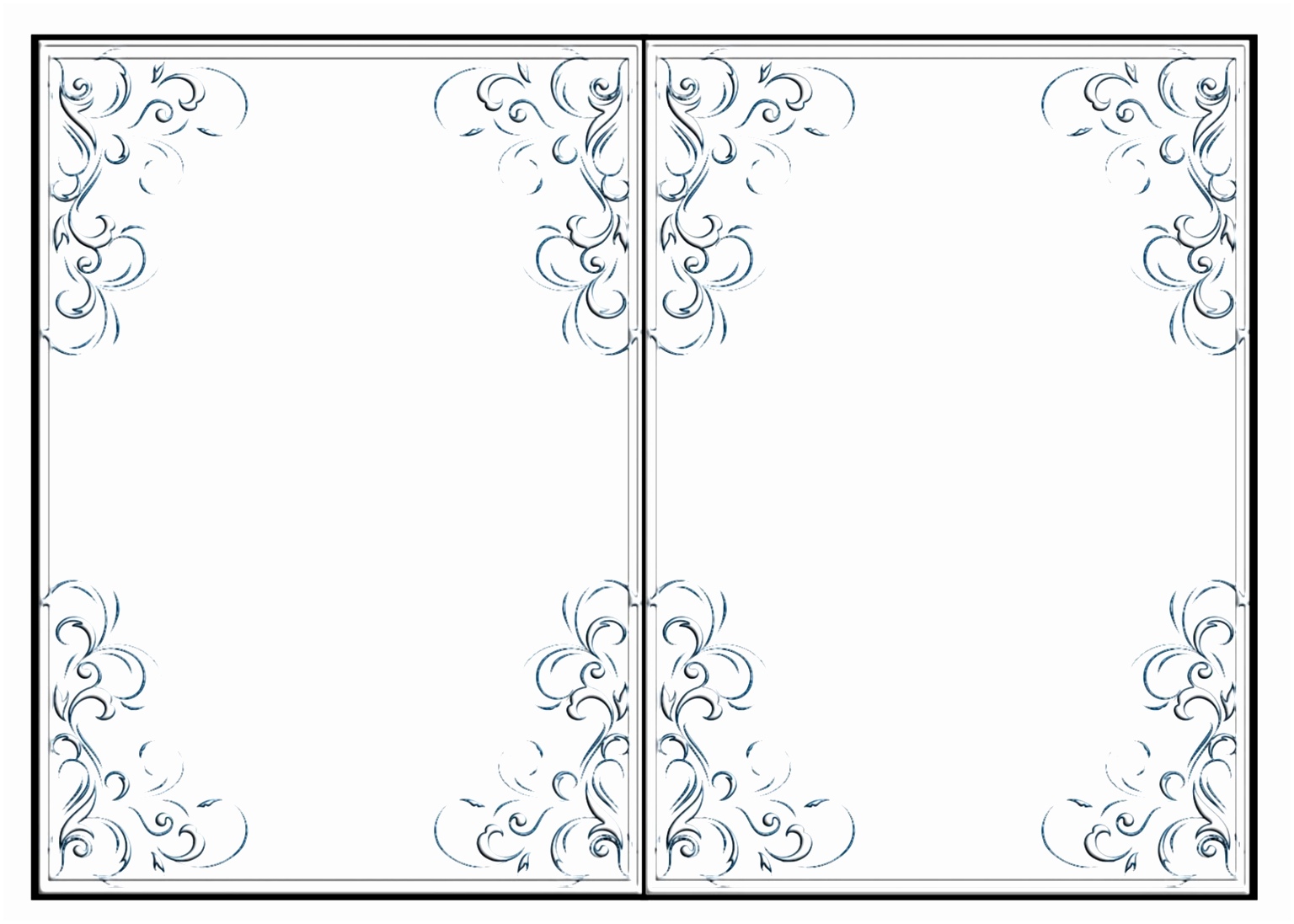
Choosing the Right Card Template
The first step in your card-making journey is selecting the right template. There are countless designs available online, ranging from simple and elegant to whimsical and colorful. Think about the occasion: is it a birthday, a holiday, or perhaps a motivational card for a friend? Most printable templates come in various formats like PDF or JPG, but I recommend sticking with PDF for ease of printing and to avoid any reformatting issues.
When browsing for templates, consider the following:
- Occasion: Make sure the design aligns with the event. For example, if it’s a birthday card, look for festive designs that convey joy and celebration.
- Size: Standard card sizes are typically 5×7 inches or 4.25×5.5 inches (A2 size). Make sure your printer can accommodate the size you choose.
- Customization Options: Some templates allow you to add your own text or images. This can make your card even more personal.
Paper and Printing Choices
Once you’ve selected your template, it’s time to think about paper and printing. The right materials can significantly impact the final look and feel of your card.
Paper Types
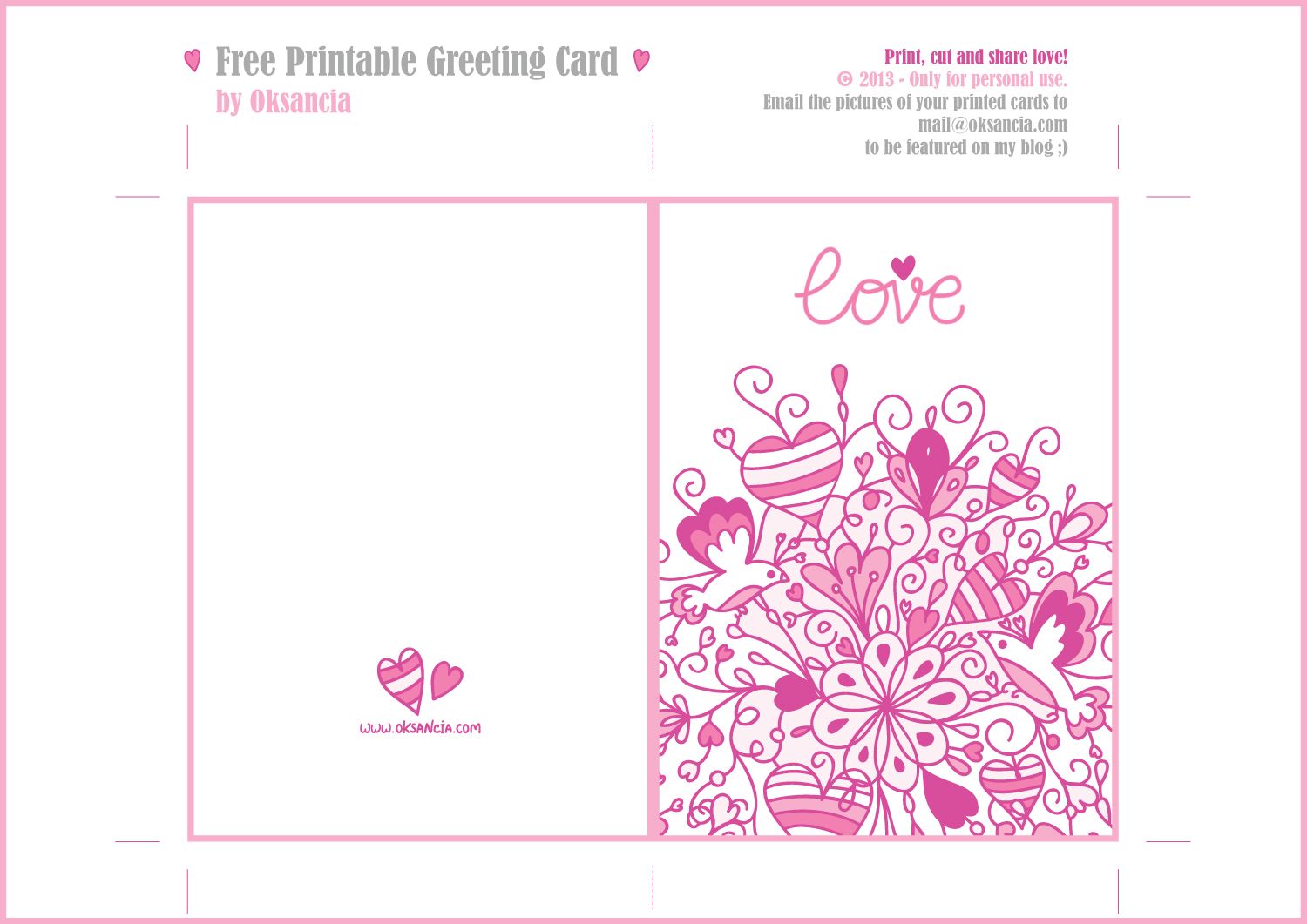
- Cardstock: This is generally the best choice for card printing. It’s thicker and more durable than regular printer paper, giving your card a professional finish. Aim for a weight of at least 80 lb cover stock for a sturdy card.
- Textured Paper: If you’re aiming for a more sophisticated look, consider using textured cardstock. It adds an extra touch of elegance to your designs.
- Glossy vs. Matte: Glossy paper can make colors pop, while matte paper is better for writing messages. Choose based on how you plan to use the card.
Printer Settings
Before hitting print, make sure to adjust your printer settings to match your paper type:
- Print Quality: Set your printer to the highest quality for the best results. This will ensure that the colors are vibrant and the details are sharp.
- Orientation: Depending on your card template, you may need to select portrait or landscape orientation. Most card templates work well with portrait layout.
- Test Print: Always do a test print on regular paper to check for alignment and color before using your cardstock.
Personalizing Your Card
Now that you have your template printed on the right paper, it’s time to personalize your card. Adding a message is where you can really make your card special. Here are some tips:
- Handwritten Notes: Nothing beats a personal touch. Consider writing a heartfelt message in your own handwriting. It shows you care and makes the card feel more authentic.
- Stickers and Embellishments: Use stickers, washi tape, or stamps to add a little flair. These can enhance the design and make your card stand out.
- Photos: If the template allows, you can include a photo of yourself or a cherished moment. This is especially great for family cards or invitations.
Folding and Finishing Touches
Once your card is personalized, it’s time to fold and finish it. A clean fold can make a big difference in presentation. Here’s how to get it right:
- Folding: Use a bone folder or the edge of a ruler to create a crisp fold. This helps the card stand upright when displayed.
- Sealing: If you’re mailing your card, consider sealing it with a sticker or washi tape for an added touch.
- Envelopes: Make sure you have the right-sized envelope for your card. A 5×7 card fits perfectly in an A7 envelope, while a 4.25×5.5 card fits in an A2 envelope.
![Free Printable Blank Trading Card Templates [PDF Included] - Printables Hub](https://paprly.us.com/wp-content/uploads/2026/10/free-printable-blank-trading-card-templates-pdf-included-printables-hub.jpg "Free Printable Blank Trading Card Templates [PDF Included] – Printables Hub")
Utilizing Your Card Templates
The beauty of a Template For A Card Printable is that you can use it for multiple occasions. Once you’ve downloaded a template, don’t hesitate to adapt it for different events. Here are some ideas to get you started:
- Thank-You Cards: Customize a birthday card template to express gratitude after a gift or event.
- Holiday Cards: With minor tweaks, a birthday card can become a festive holiday greeting.
- Encouragement Cards: Use cheerful designs to create cards that uplift friends going through tough times.
By keeping a few templates on hand, you’ll always be prepared for any occasion. You can easily adjust the text or colors to fit the mood and make each card unique.
Making the Most of Your Cards
Once your cards are ready, think about how you’ll distribute them. Whether you’re mailing them out, handing them personally, or leaving them as surprises for loved ones, your efforts will certainly be appreciated.
If you’re planning to send cards out, consider creating a list to track who needs a card and when. This way, you won’t miss any special occasions.
There’s something truly rewarding about creating and sharing personalized cards. With a Template For A Card Printable, you can express your creativity and thoughtfulness, all while saving time and money. So gather your materials, unleash your creativity, and let those cards fly!